Write code, run complete Python projects, launch interactive Jupyter Notebooks, and render complex 3D graphical plots - all directly on your phone. Built for developers, students, and researchers on the move.
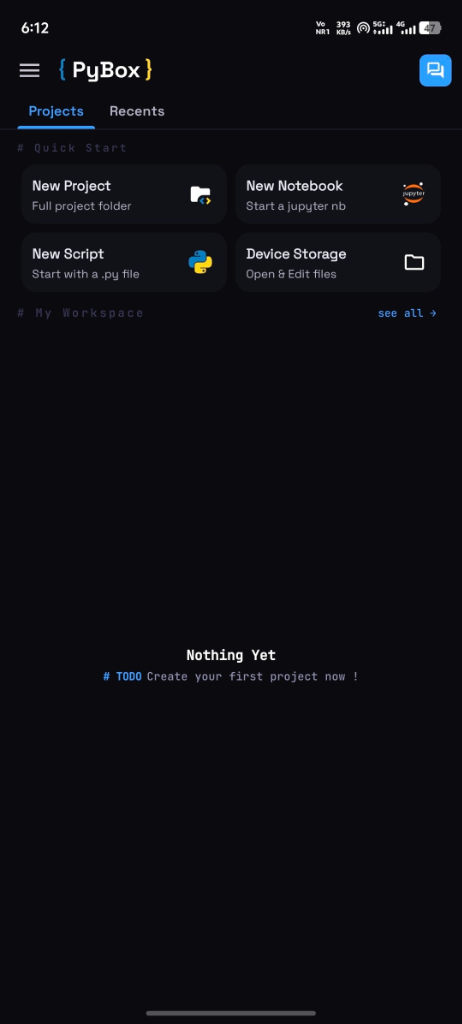
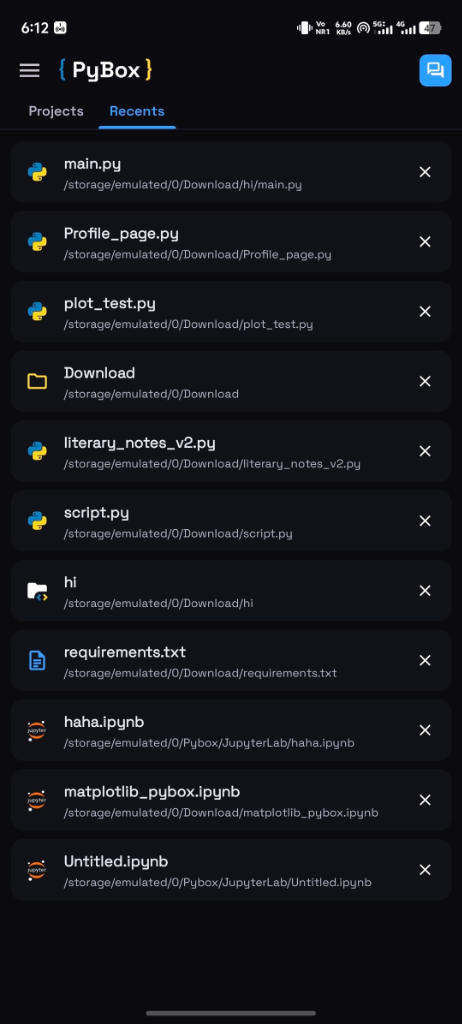
Run code 100% locally on your device. Zero server costs, zero latency, no data consumption, and complete code privacy.
Equipped with the bleeding-edge CPython core runtime, optimized and compiled for modern mobile ARM architectures.
Resolve requirements, compile packages, and install third-party libraries locally on your device with native compiler support.
Interact with your phone's physical hardware directly from scripts. Write code to control and access camera, microphone, speaker, torch/flashlight, clipboard and local files with simple Python APIs.
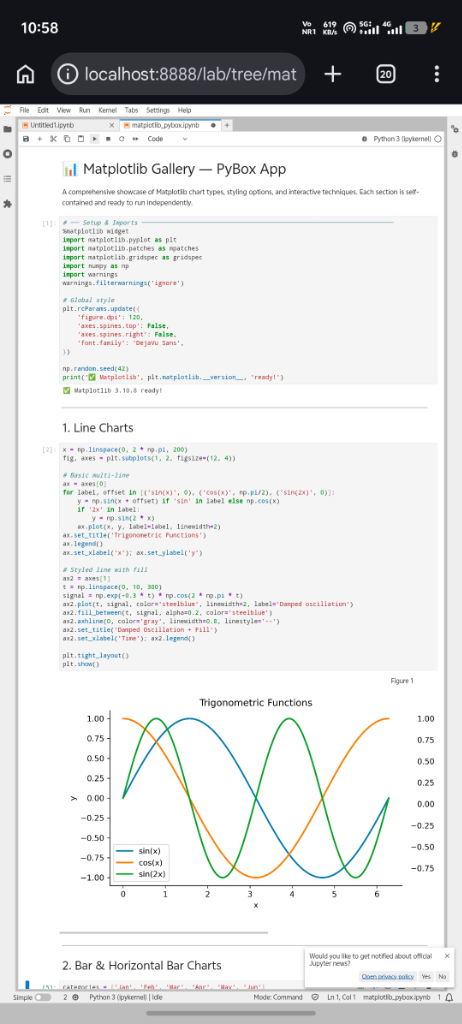
Spin up local port-based Jupyter servers locally. Open and Create notebooks on device storage evaluate cells, format markdowns, and view reactive outputs inline.
Powerful code editor for Python, Html, CSS, JS, etc powered by CodeMirror 6 offering a customizable and feature rich programming experience.
A terminal emulator with support for 8 and 16-color palettes, user input processing, and execution of command-line interface (CLI) applications.
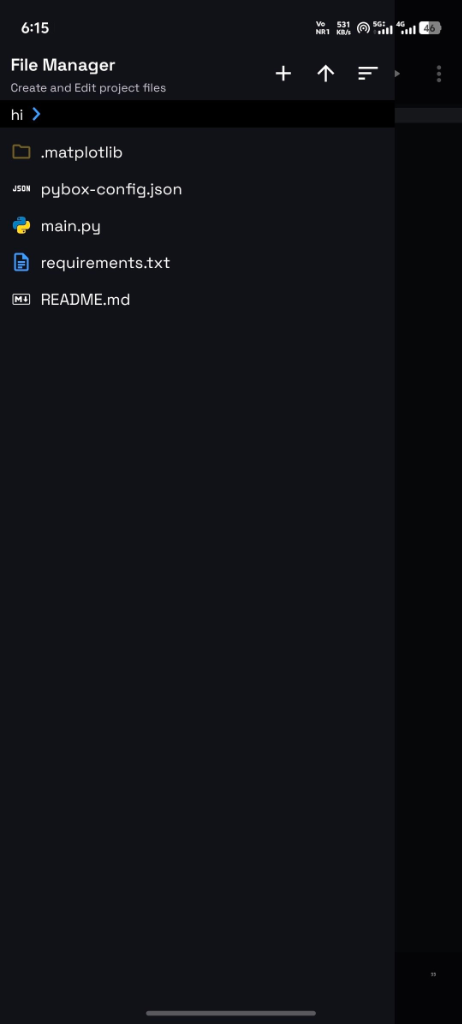
Organize scripts, packages, and assets. Create, delete, edit files, import and maintain local project directories without sandboxing limits.

Astronomy & astrophysics library

Deep Learning Models
On-Device AI Inference

Cross-Platform AI Execution

LLMs & Speech NLP

Mobile CNN Inference

Speech to Text & TTS

Real-time Audio IO

Audio Port Interaction

Offline Text to Speech
2D Game Development

Low-level Multimedia API

Desktop GUI Canvas

Vector Draw Graphics
Scientific Matrix Math

Calculus & Physics
Data Plotting & Graphs
Computer Vision Models
Machine Learning Stack

Natural Language Toolkit

Web app development

Minimalist web framework
Image processing library

Python Imaging Library
Python & Binary wheels from PyPi
Build local web servers, API endpoints, and prototype dynamic web apps directly on your device.
Develop interactive 2D games, render graphics, and handle controller inputs in real-time.
Analyze datasets, plot statistical charts, and visualize complex mathematical equations.
High-performance sandboxed CPython execution core optimized for mobile ARM architectures. Compiles and executes code directly on-device with zero remote latency.
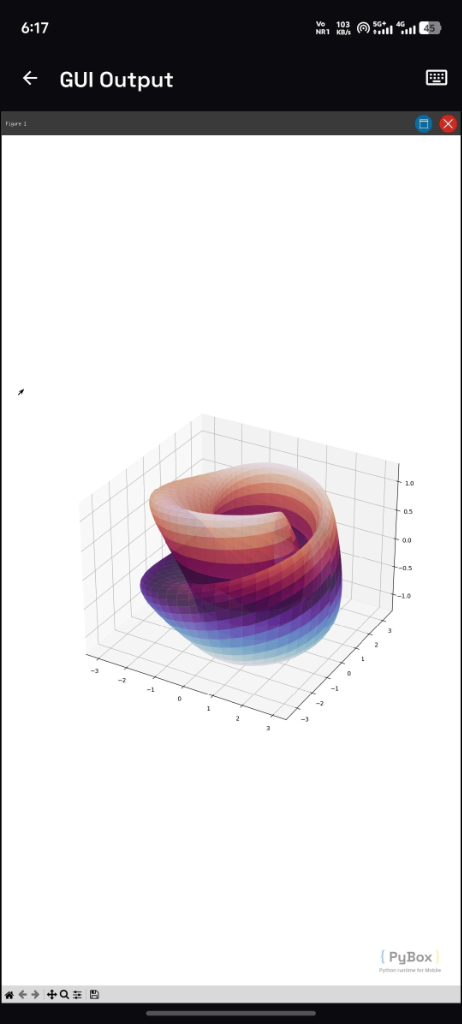
Custom mobile window manager built to coordinate graphical outputs, user inputs, and GUI canvases within a unified mobile viewport.
Engineered to bridge Linux graphics and mobile screens, rendering complex X11 display feeds (Tkinter, pygame, Matplotlib) onto mobile touchscreens with minimal redraw latency and sub-pixel gesture mapping.
Dedicated repository and package distribution pipeline serving precompiled, mobile-optimized Python packages to guarantee flawless dependency installs on device.
A community-powered index of templates, starter projects, and quickstarts - built in the open, contributed by developers worldwide.
Premium workspace editor powered by a customized CodeMirror 6 runtime. Includes autocompletion, code formatting, editor themes, and code linter.
PyBox is designed to scale dynamically, bringing offline Python compilation and workspaces to all learning and development environments.
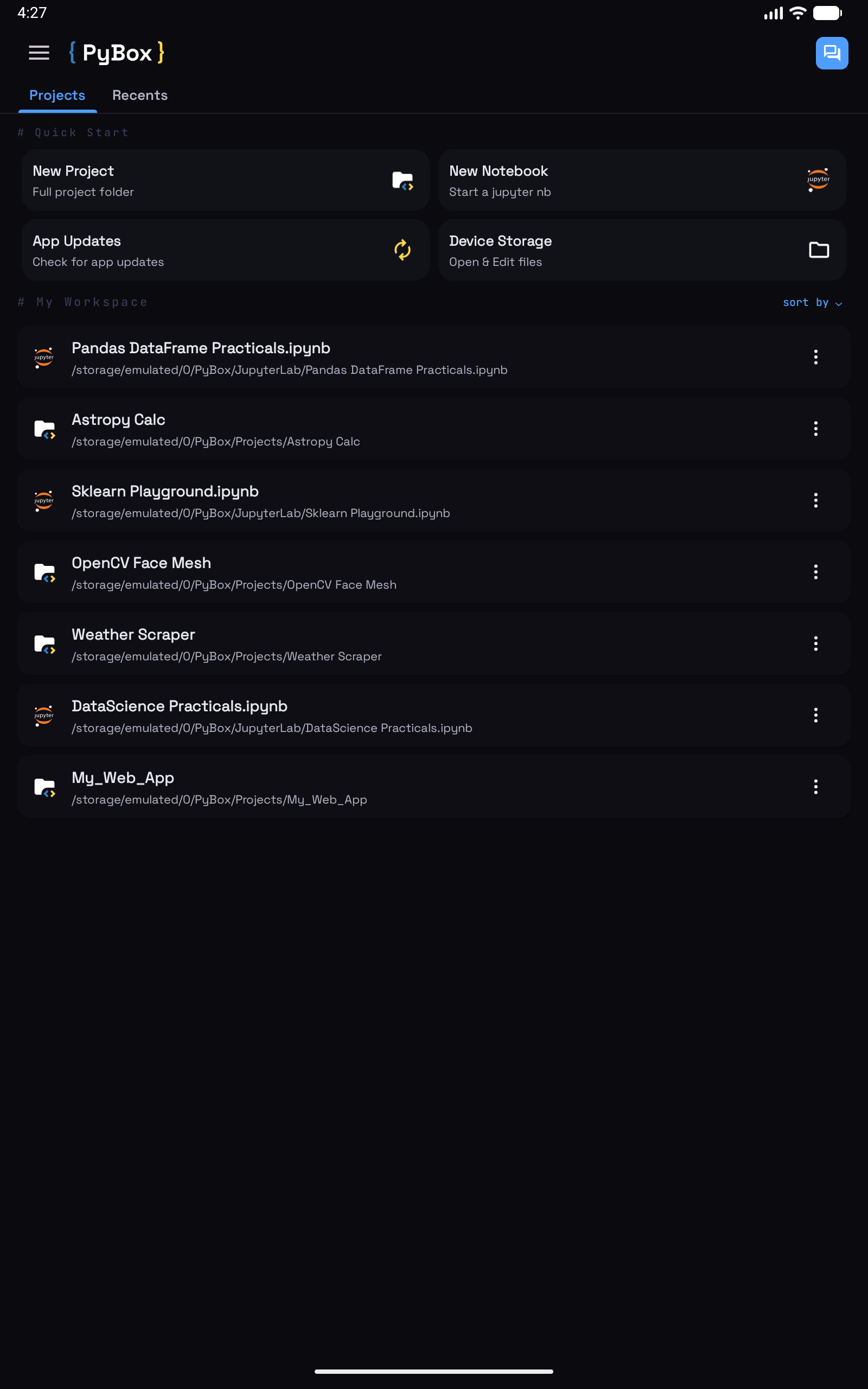
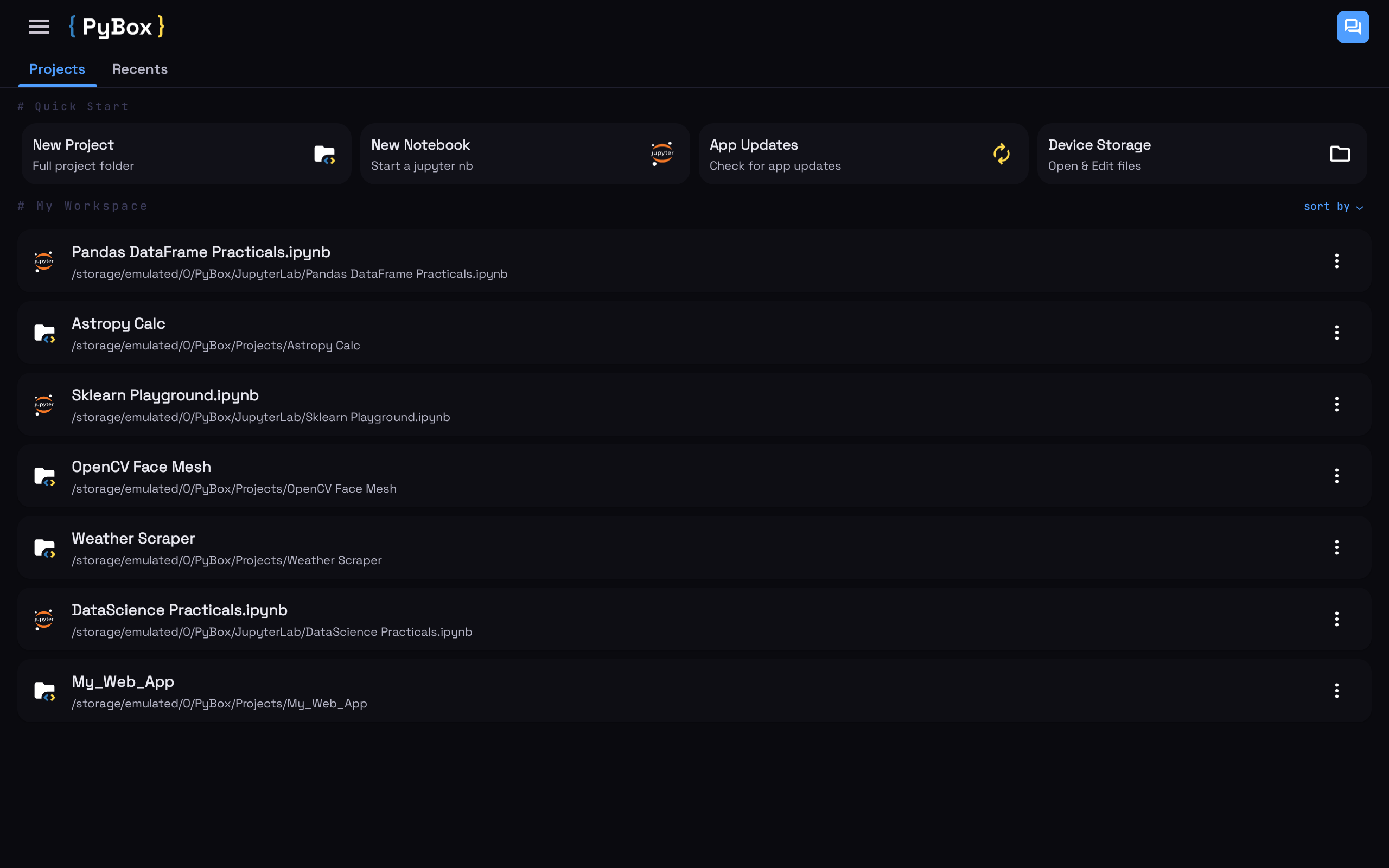
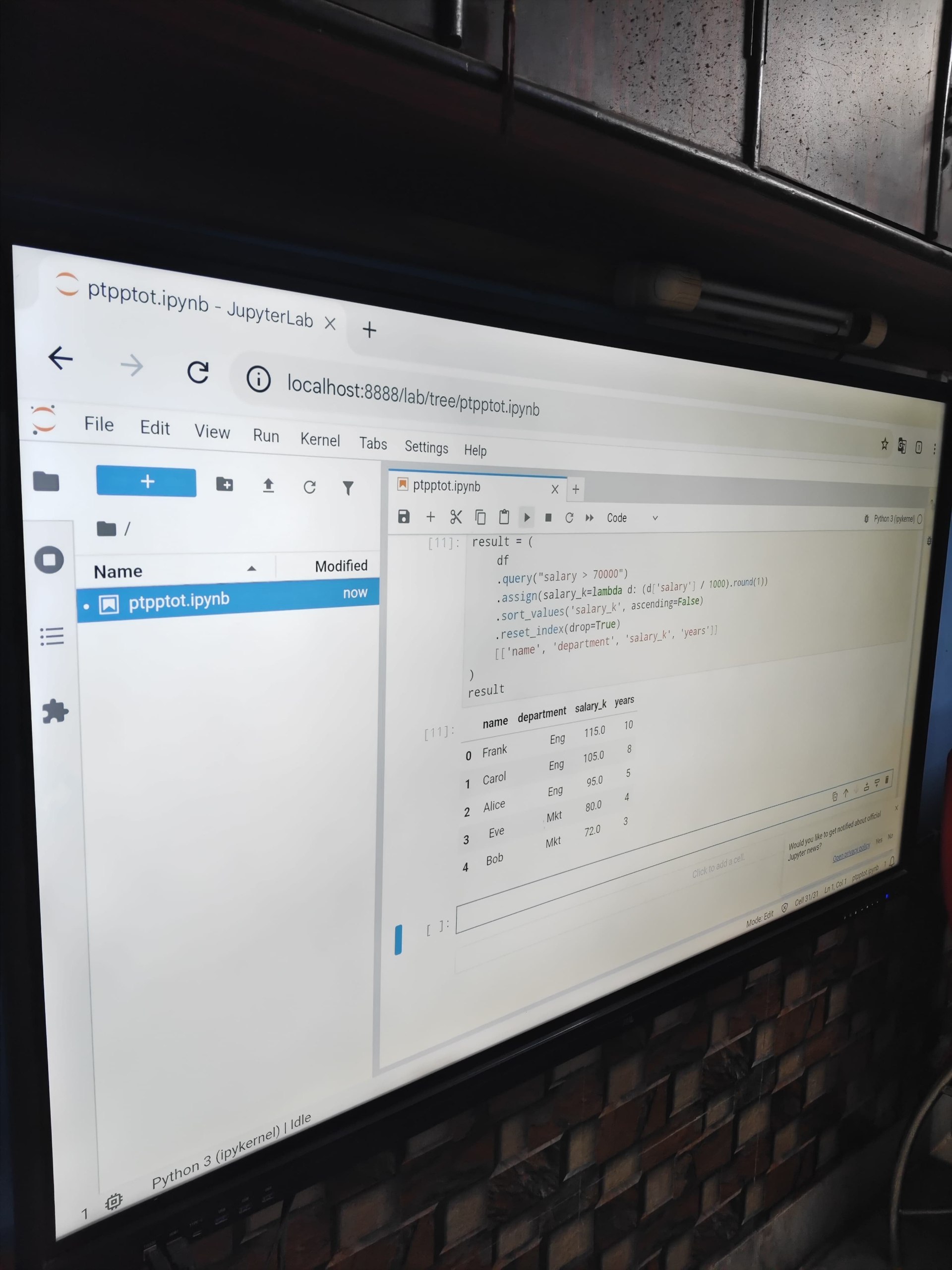
Proudly collaborating with educational institutions to make Python development more accessible across phones, tablets, Chromebooks, and teaching smartboards.

Academic Partner
A computer coaching institute based in Uttarpara, West Bengal leveraging PyBox to make Python programming more accessible and practical for students.
Visit WebsiteBecome a Partner
Bring native Python workspaces, offline compilation, and hardware integration to your students or audience. PyBox fully supports phones, tablets, Chromebooks, and teaching smartboards.
Simply select "New Notebook" on the dashboard. PyBox initiates a JupyterLab server running locally on your device on port 8888. A browser page will automatically open, letting you build and run cells interactively.
Yes. Inside your project directory, create a standard requirements.txt file
containing your packages (e.g. requests, numpy, etc.). PyBox
parses this file and handles package compilation and installation automatically on-device.
Absolutely. The core Python runtime interpreter operates 100% locally. You do not need any internet connection to write, test, or run your code, unless you are installing new packages via pip.
We are actively porting the environment to iOS. We plan to open the iOS TestFlight beta registration later this year. You can sign up on our email newsletter or check back here for updates.

Developer
I am a passionate software engineer dedicated to building accessible, offline development environments. Driven by the vision of making Python programming simple, local, and hardware-integrated across every screen, I designed and built PyBox from the ground up to empower developers and learners worldwide.
All the friends and testers who helped in debugging the app
Download the latest PyBox release and start executing Python, scripting automations, and training machine learning algorithms on your phone.